
For independent landlords
Rent smarter.
Manage faster.
Property management software that keeps properties, rent records, documents, and tenant work clear in one place.
Choose Landlord during signup, then add your first property.
- Start on the Free plan
- No payment details during signup
- Keep your data in a real landlord workspace
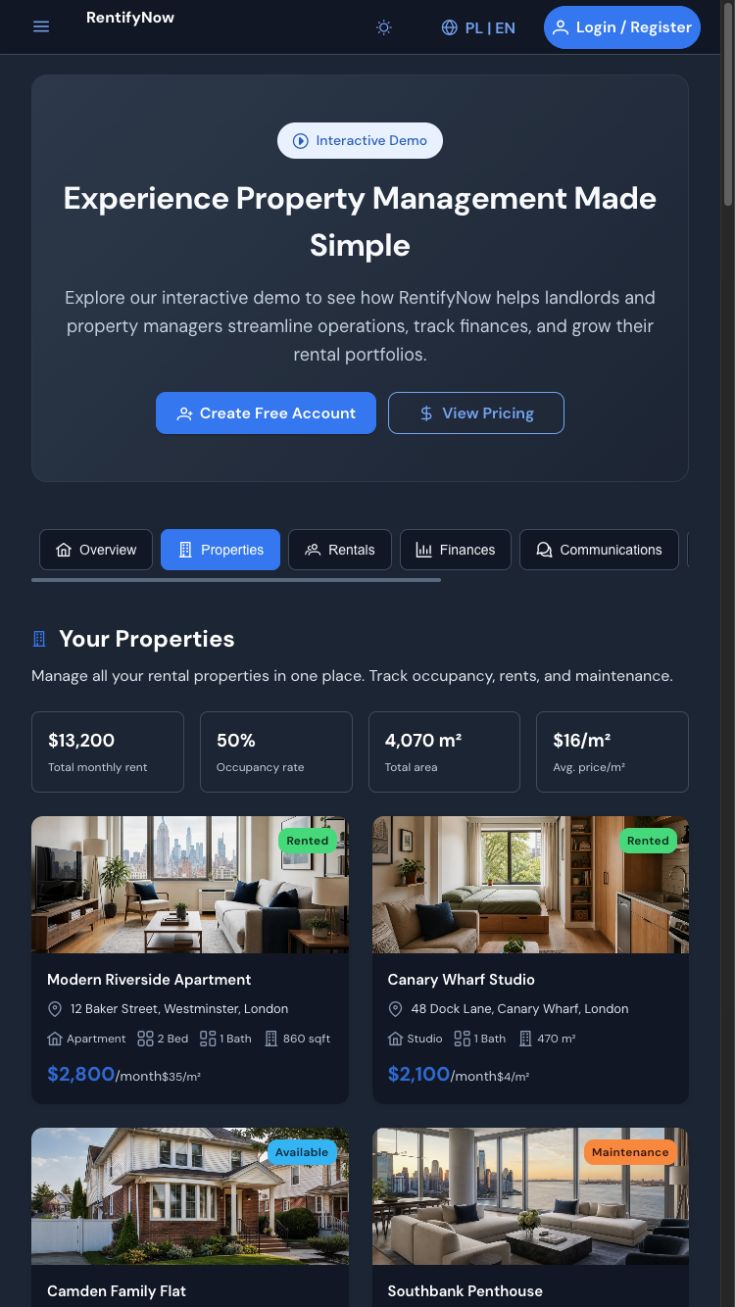
One place to check
Know what needs attention today.
- Property work
- Keep properties, rentals, inspections, assets, and maintenance records connected.
- Tenant work
- Handle messages, requests, documents, and rent records without scattered threads.
- Portfolio position
- Review finances, occupancy, tasks, and portfolio analytics from the same workspace.
First useful outcome
Your first property, ready to manage.
Signup creates your workspace. Adding one real property completes the first-run setup.
-
1
Create your account
Choose Landlord and set up your secure workspace.
-
2
Add your first property
Enter its address and rental details in the guided first-run flow.
-
3
Run the next task
Add a rental, organize a document, record rent, or handle tenant work.
Before you start
A few practical answers.
Can I start with one property?
Yes. The Free plan supports a small landlord workspace. Current plan details stay on the pricing page.
Will I need payment details?
No payment details are collected during account creation. Paid-plan checkout is a separate action.
What happens after signup?
You enter the landlord dashboard, where the first-run guide asks you to add your first property.
Start with one property
Give rental work one clear home.
Next: choose Landlord and add your first property.